Three modalities. One coherent learning experience.
Every SchoolsPLP video is purpose-built for the moment it appears in a lesson, from first exposure through guided practice and review. Each modality is paired with accessibility supports and aligned to the learners who benefit most.
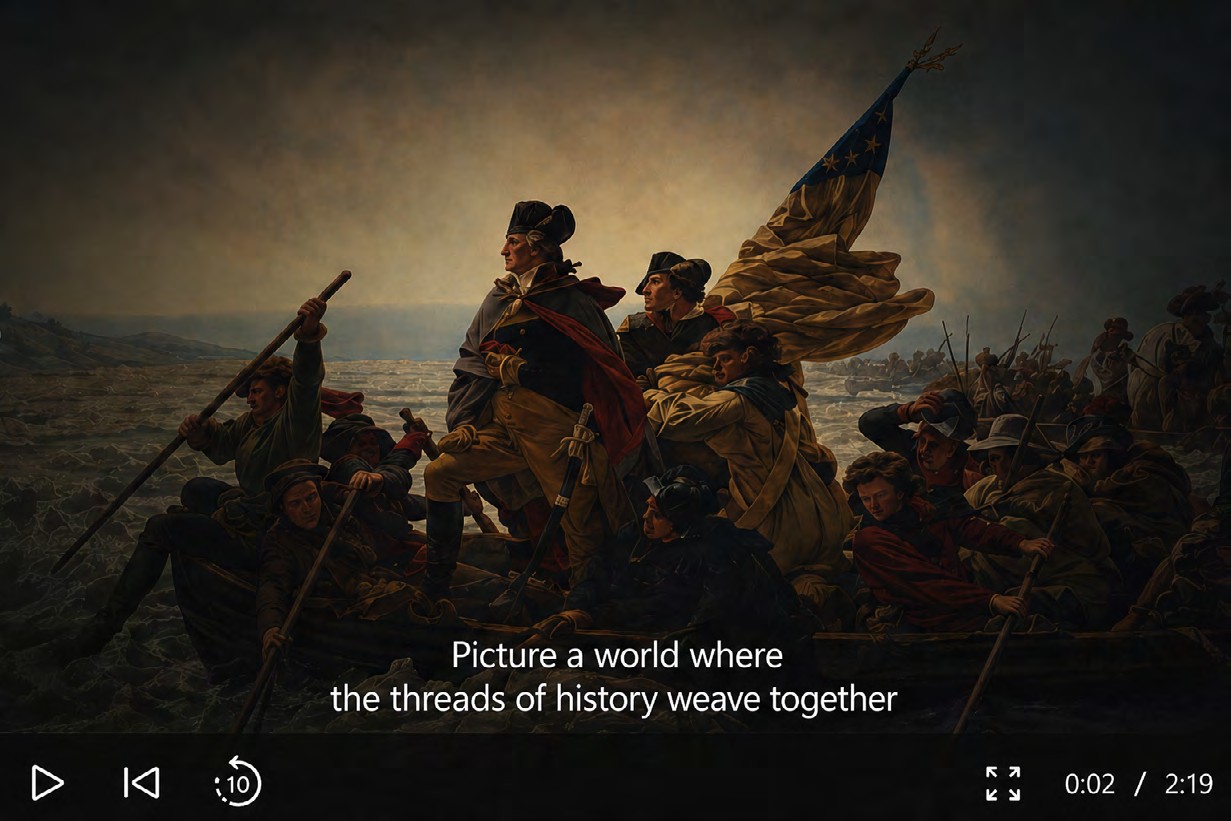
Accessible video instruction.
Built-in accessibility and review tools help students engage with instructional video at their own pace and with greater confidence, gated for completion, searchable by transcript, and pause-aware when attention drifts.
- Watch-before-continue gating ensures completion
- Searchable, synchronized transcript
- Autopause when students switch tabs
- Subtitles on every video
Cinematic Narration videos combine engaging visuals, dynamic motion graphics, and professional voiceover to introduce key concepts in an inspiring and memorable way. Designed to spark curiosity and set the stage for deeper learning, these videos help students connect emotionally with the subject matter while building foundational understanding.
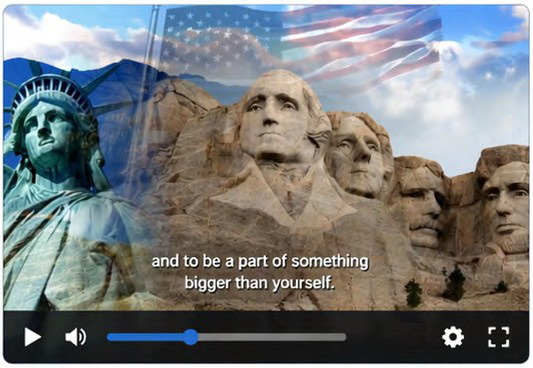
Professional visuals and storytelling draw students in from the very start.
Compelling narratives inspire questions and a desire to learn more.
Relatable stories help students connect with content on a deeper, more meaningful level.
Visuals and narration work together to make complex ideas more accessible.
Introduces key ideas and prepares students for deeper, more focused learning.
- Chunked instruction (short duration, clear purpose)
- Reduced cognitive load through concise scripting
- Visual reinforcement paired with audio narration
- Activation of prior knowledge to support comprehension
- Multiple means of engagement (UDL Principle)
- ›Students with attention deficits (ADHD)
- ›Students with executive functioning challenges
- ›Students with reading-based learning disabilities
- ›Students with language-processing delays
Cognitive Focus Direct Instruction videos deliver step-by-step explanations using clear visuals, guided examples, and concise narration. These videos are intentionally designed to minimize distractions and maximize comprehension, helping students build confidence as they learn new concepts and apply skills independently.
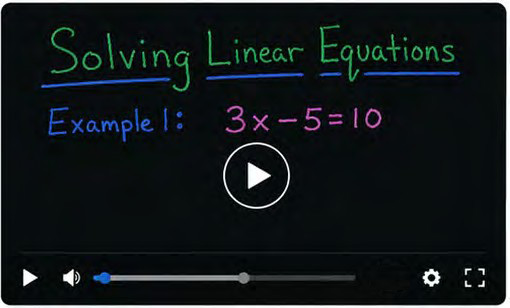
Clear progression through each concept with controlled pacing.
Worked examples model the thinking process students should follow.
Color coding and visual hierarchy direct attention to what matters.
Key ideas surface multiple times to support retention.
- Reduced visual distractions (no teacher-in-the-box)
- Step-by-step modeling with controlled pacing
- Color coding and visual cues for focus & retention
- Repetition & review built into instruction
- Subtitles & transcripts
- ›Students with Specific Learning Disabilities (SLD)
- ›Students with processing speed deficits
- ›Students with working memory challenges
- ›Students with autism spectrum disorders
- ›Students requiring reduced visual distractions
Authentic Classroom Recordings capture real teaching moments, discussions, and demonstrations in classroom settings. By showcasing genuine student interaction and teacher guidance, these videos provide relatable learning examples and reinforce practical understanding of concepts in real-world educational environments.
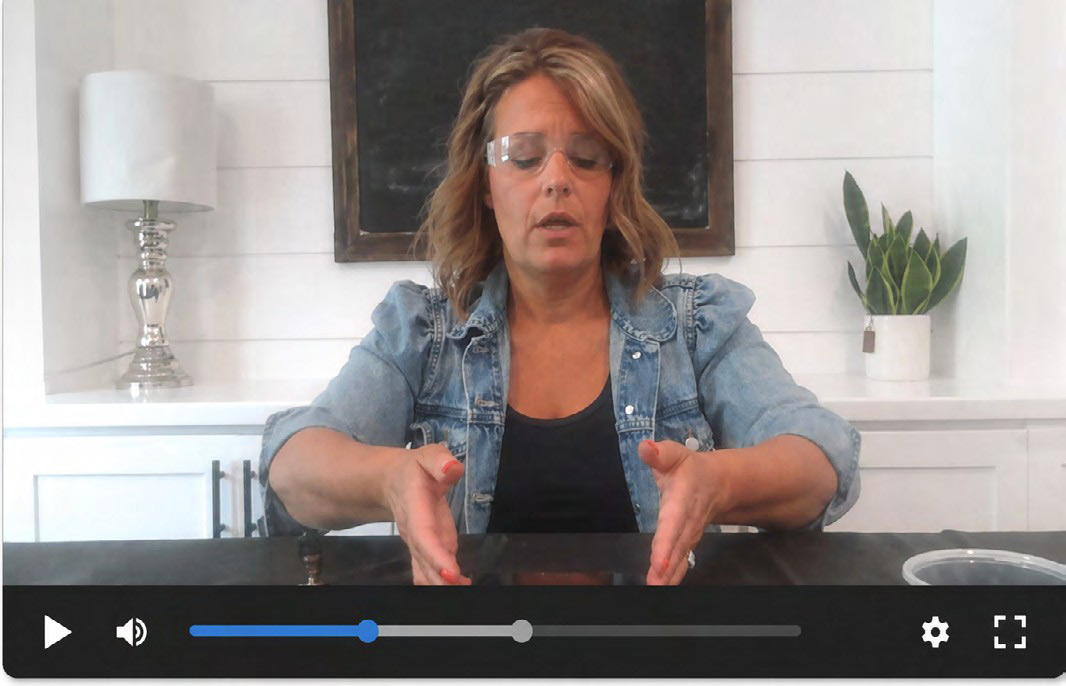
Students see concepts in action through real classroom interactions.
Demonstrates instructional strategies and best practices.
Real discussions and questions help students connect and relate.
Seeing concepts applied in context strengthens retention and comprehension.
Students gain confidence by seeing peers participate and succeed.
- Visual modeling of real classroom strategies
- Contextual cues (gestures, expressions, lab setup)
- Captions & transcripts
- Replay & pause for processing
- Translation tools (as an accommodation or access support)
- ›Students with speech & language impairments
- ›Students with auditory processing needs
- ›English learners with co-occurring disabilities
- ›Students requiring modeling of physical or procedural tasks
- ›Students with attention and executive functioning challenges