Revolutionize the way your students learn.
SchoolsPLP delivers a structured learning cycle that moves students from first exposure to demonstrated mastery through a consistent, repeatable lesson experience.
A structured instructional system.
- • Consistent structure across every lesson
- • Designed to build understanding step by step
- • Supports all learners at every stage
- • Data-informed instruction for better outcomes
Engagement starts here.
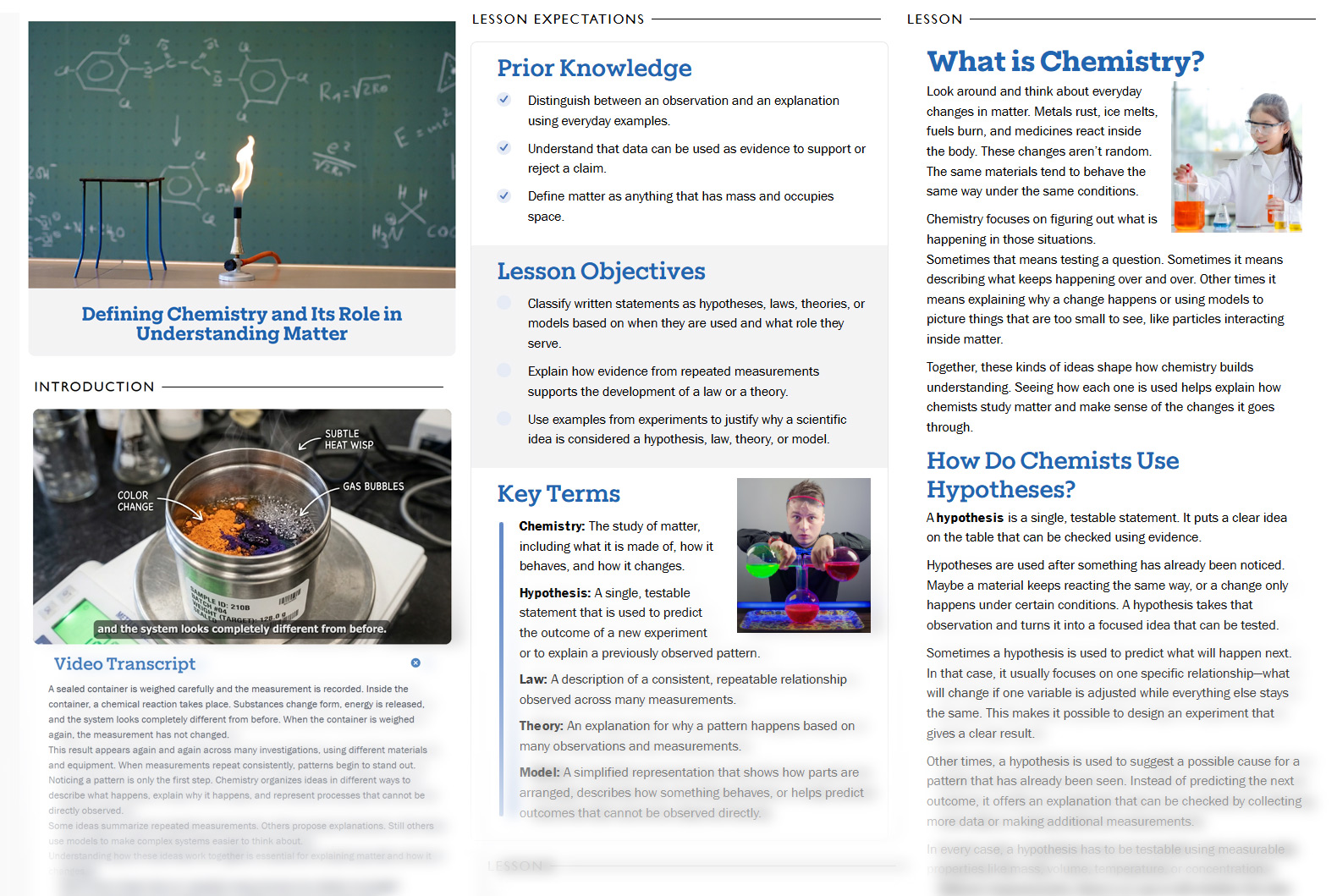
The lesson experience starts with a strong visual hook and a focused video-based entry point. Students see the topic immediately, understand what they are about to learn, and can access transcript support without leaving the flow of the lesson.
Students must watch the entire video before progressing in the lesson.
Read, search, and follow along with synchronized transcript text.
Playback automatically pauses when students switch tabs or applications.
Textual representation of audio supports accessibility for all learners.
Alignment before instruction.
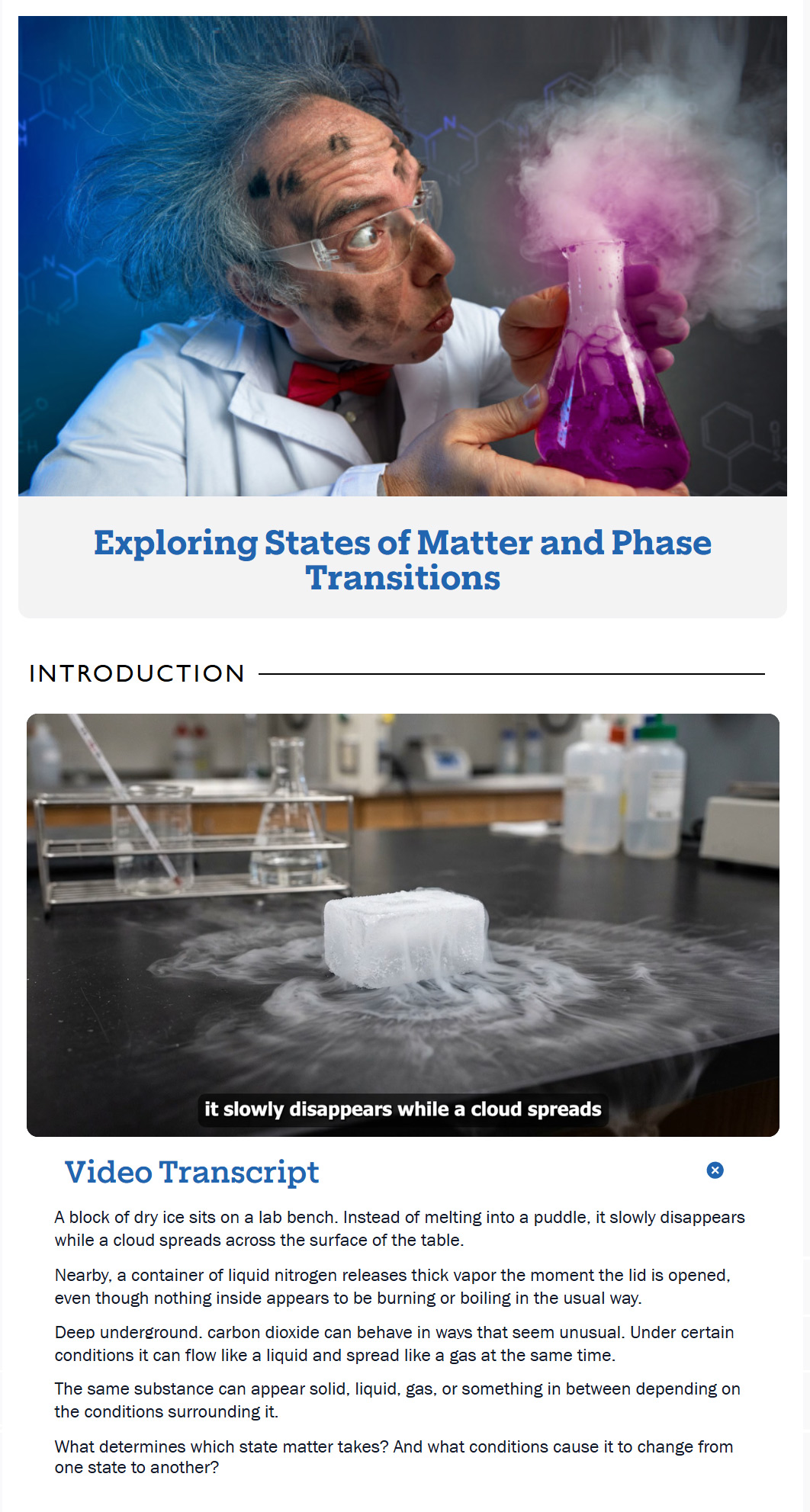
Before students begin the core lesson, the interface makes the path visible. Prior knowledge, objectives, and key terms are presented in a consistent structure that reduces ambiguity and helps students focus on what matters most.
A brief review activates existing understanding and prepares students to connect new learning to what they already know.
Clear, student-friendly goals define what success looks like and guide focus throughout the lesson.
Essential vocabulary presented in context to support comprehension and build academic language.
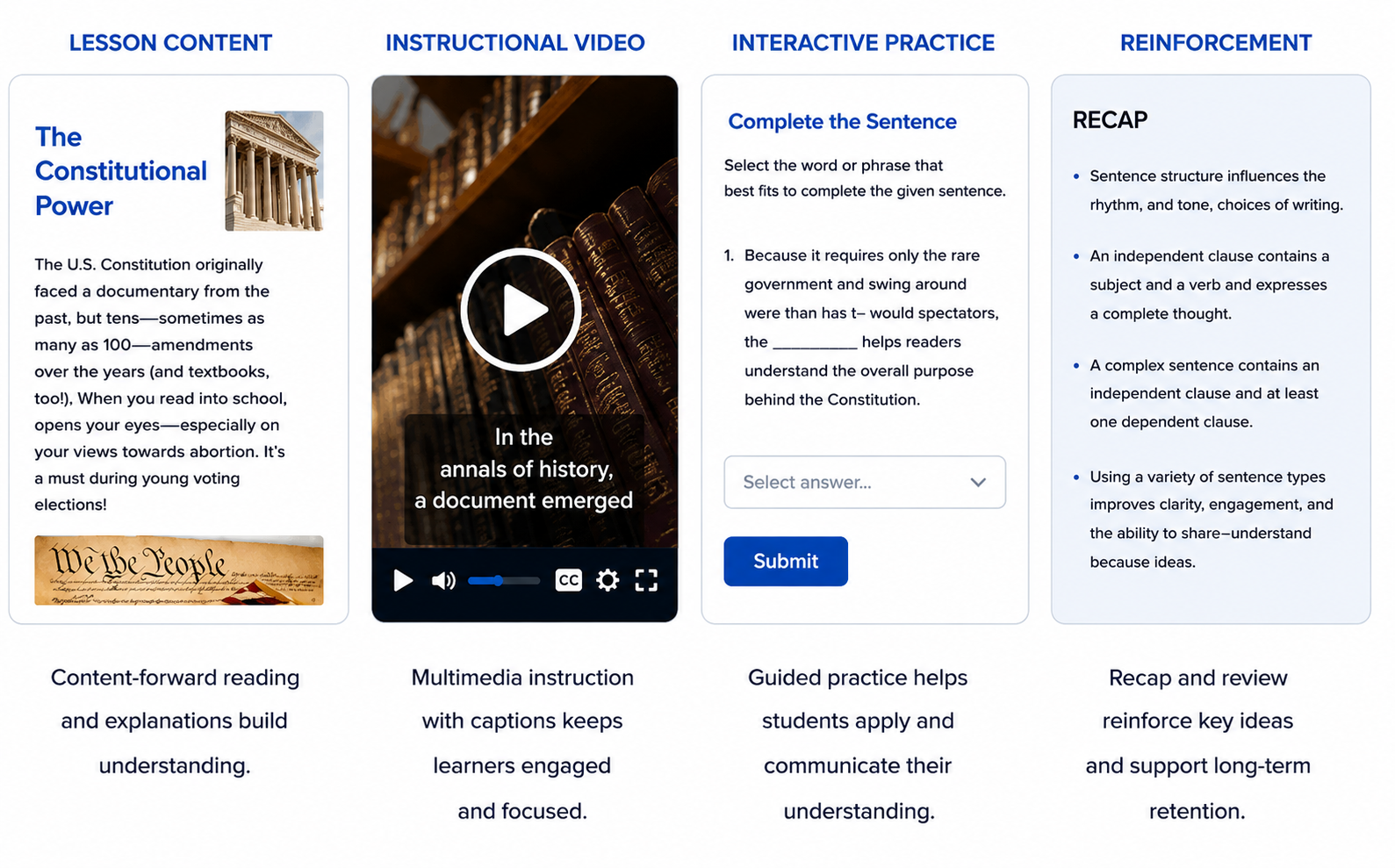
Instruction designed for understanding.
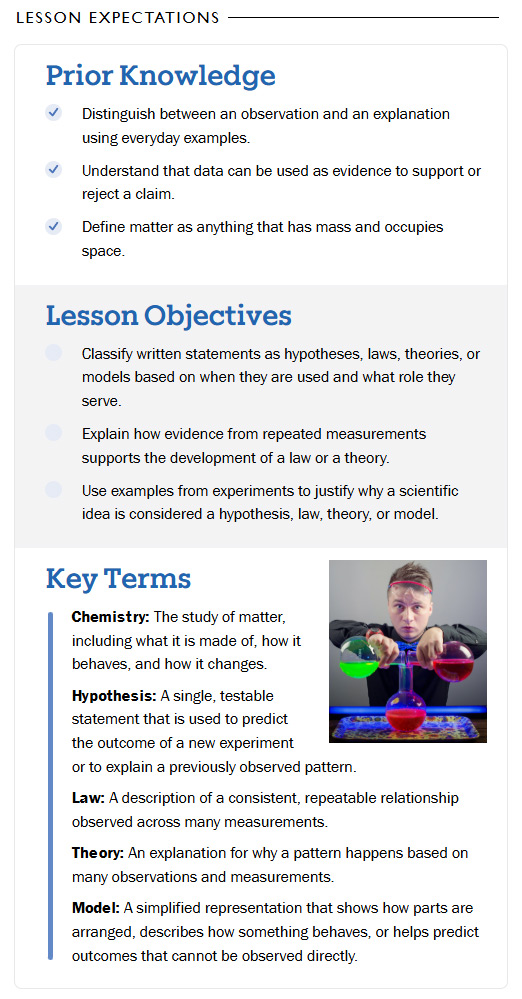
Instruction is visually organized, content-forward, and paced for comprehension. The Lesson Instruction includes multiple learning modalities, Visual, Auditory, Reading/Writing, and Kinesthetic, delivered through narrator-led video and structured text.
Visual, auditory, reading/writing, and kinesthetic channels reach every learner.
Professional narration paired with motion graphics to guide attention.
Clear hierarchy, concise sentences, and visual reinforcement support comprehension.
Practice that builds confidence.
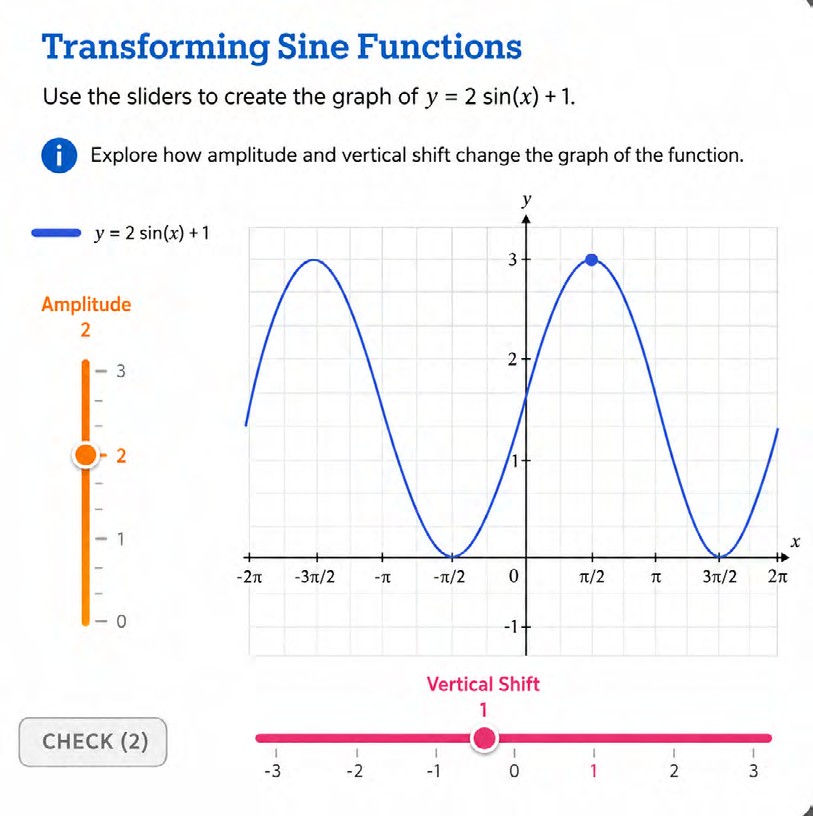
After direct instruction, students apply concepts through scaffolded activities, worked examples, checks for understanding, and practice opportunities designed to reinforce mastery before assessment.
Walks students through examples step-by-step with clear expectations.
Immediate feedback lets students know they're on the right track in real time.
Activities are fillable in the software and can also be printed for offline use.
Reinforcement that sticks.
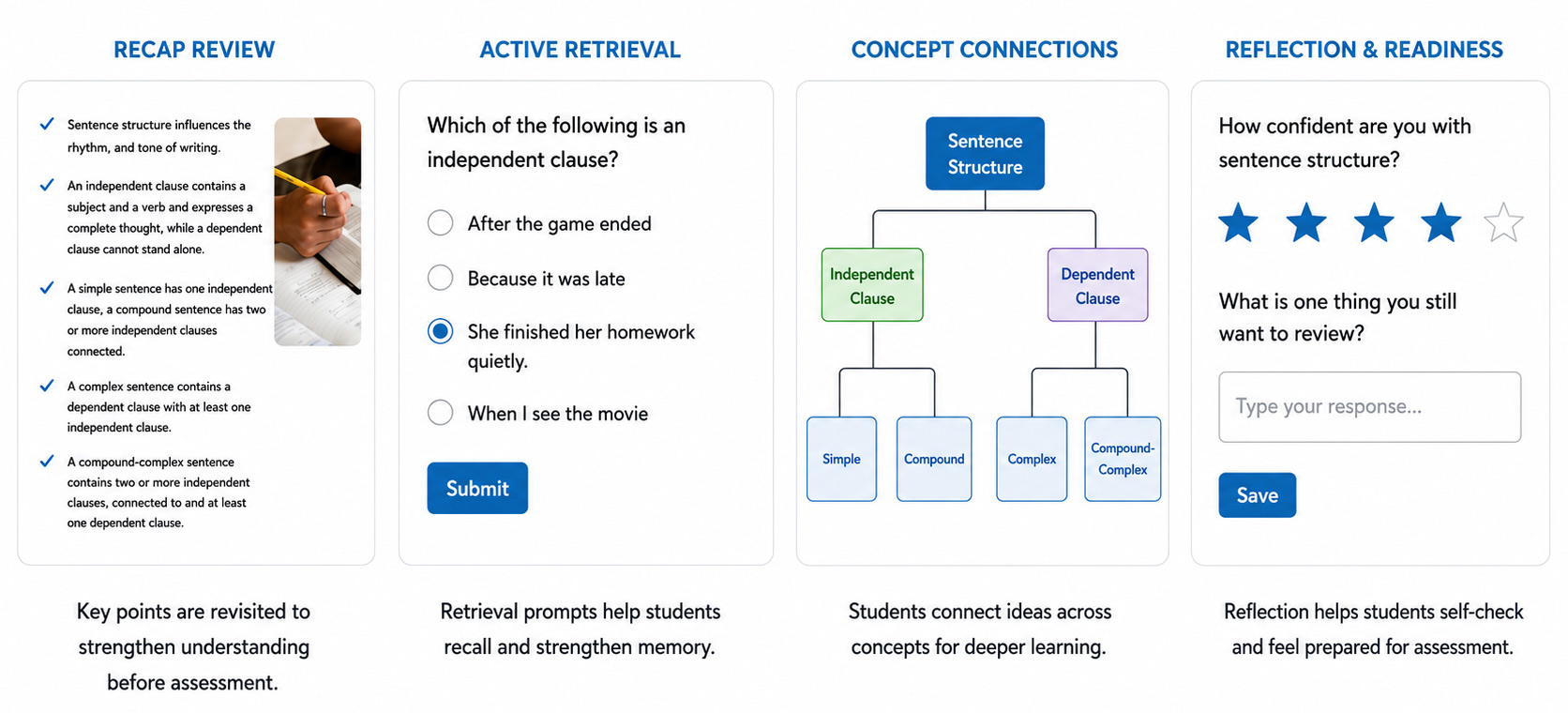
Before assessment, students strengthen understanding through structured review, retrieval practice, and guided reinforcement. Recap content is intentionally written below grade level to improve accessibility, reduce cognitive overload, and build confidence before mastery checks.
Interactive question types reinforce core concepts immediately after instruction.
Plain-language recap reduces cognitive load and supports diverse readers.
Structured practice layer supports retention and confidence.
Assessment that demonstrates mastery.
Students demonstrate understanding through structured, measurable assessments aligned to lesson objectives. Performance is measured against clearly defined objectives, ensuring alignment between instruction and outcomes.
Question types align directly to lesson objectives.
Multiple auto-graded types minimize weaknesses tied to any single item format.
Unit tests measure cumulative mastery and provide insight for teachers.
Higher-order thinking. Authentic application.
Assignments emphasize higher-order thinking and authentic application of learning. Using Depth of Knowledge (DOK) Levels 2–4, students analyze, evaluate, and create responses that demonstrate comprehension beyond simple recall.
Analyze, evaluate, and create, beyond recall.
Responses connect concepts to real-world contexts.
Teachers can annotate and grade across submission types.

Close the gap. Own the learning.
Summary & Reflection helps students relate new knowledge to prior understanding, closing the gap between why we are learning this and how we can apply it. It encourages ownership of learning, promotes metacognitive awareness, and facilitates transfer.
Type a reflection directly in the submission box.
Upload documents, attach from Google Drive, or submit drawings.
Record reflections or share a link to a project or resource.