

Grades 3–5 · Reading & Video
Phonics, visuals, and video, built for how kids learn.
A Consistent Learning Experience
Every lesson opens with a Lesson Starter video.
Every Grades 3–5 lesson follows a clear, predictable structure that helps students build confidence, stay engaged, and focus on learning instead of navigation.
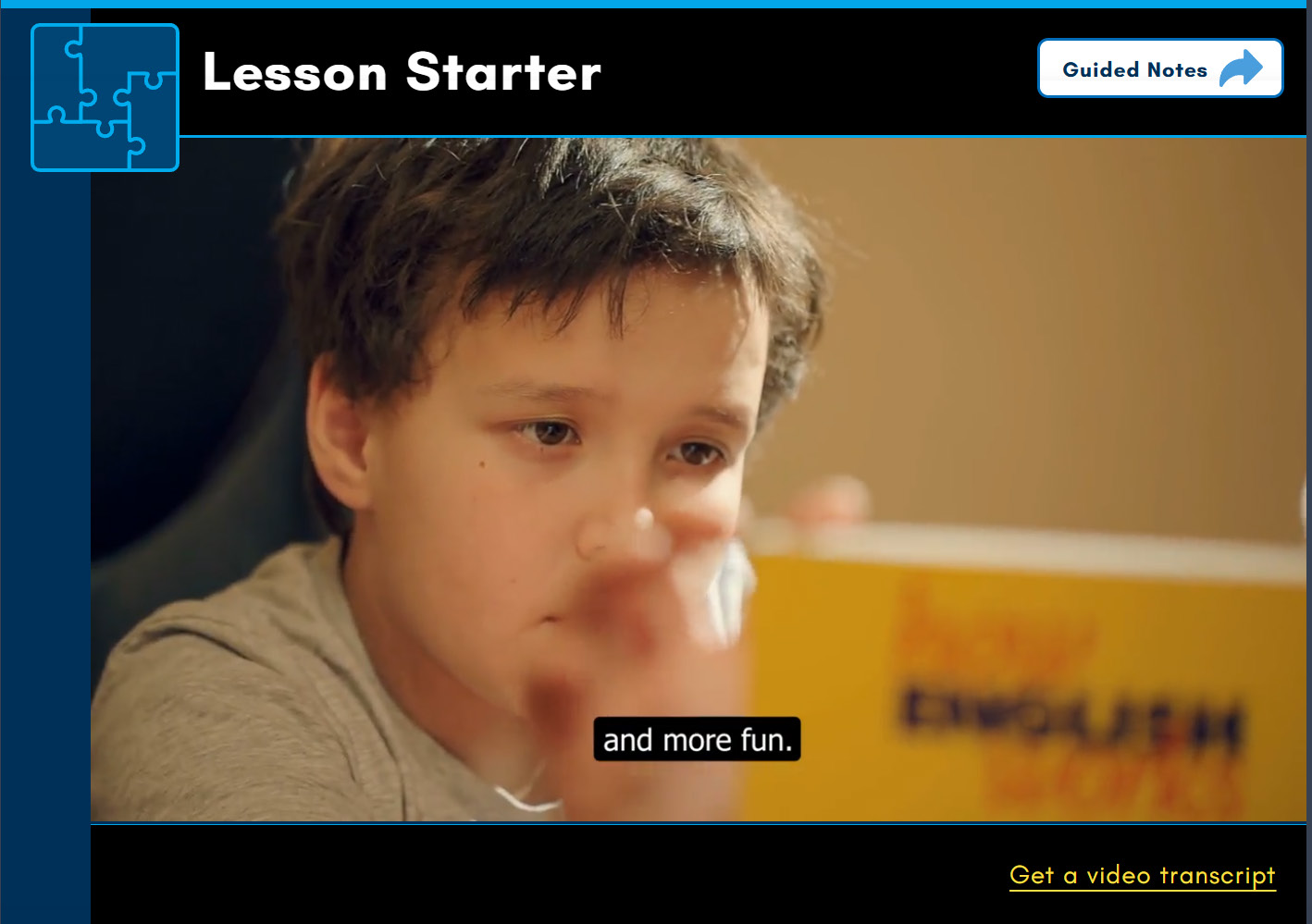
Lesson Starter
Introduces new concepts through engaging multimedia experiences that build context and spark curiosity.
- Engaging video introductions
- Video transcript available
- Accessibility-focused supports
- Smooth transition into guided instruction
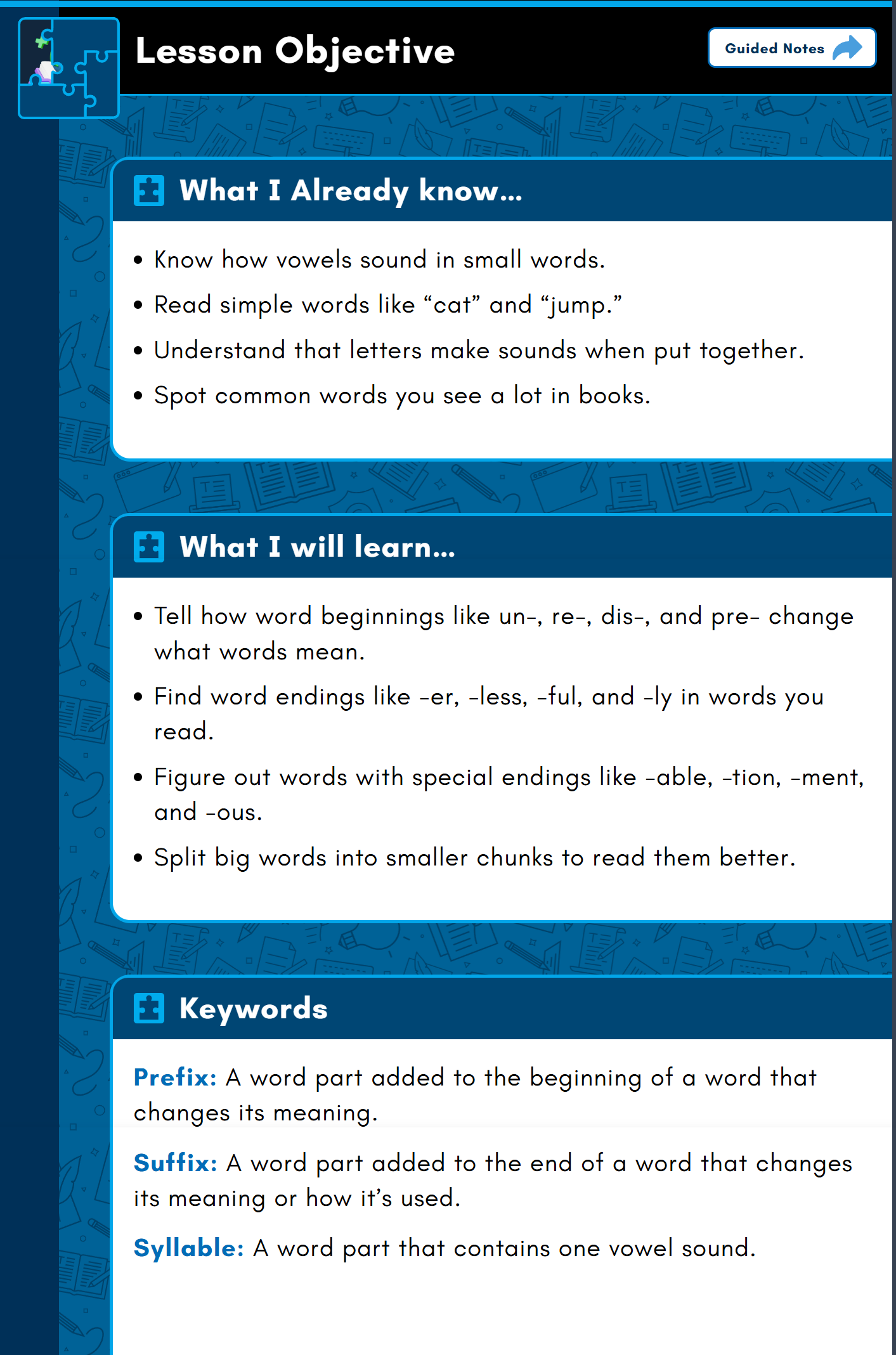
Lesson Objective
Activates prior knowledge, sets clear expectations, and introduces academic vocabulary so students know what success looks like.
- What I Already Know
- What I Will Learn
- Keywords & academic vocabulary
- Clear expectations for success
Welcome to the Reading Corner
Structured phonics students can actually see.
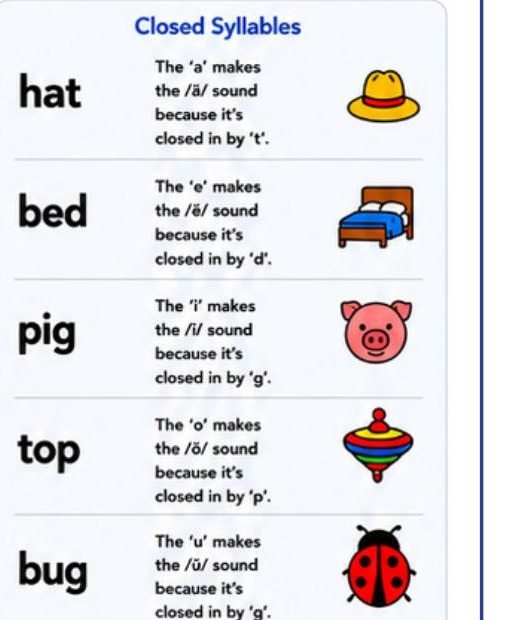
The Reading Corner walks students through the Six Syllable Types with clear patterns, kid-friendly examples, and picture cues, so they can break down big words and become confident word detectives.
- Six Syllable Types taught with consistent examples
- Visual cues pair sounds with pictures for retention
- Today’s Mission sets clear, measurable objectives
Built on the gated video player
Accessible by default. For every learner.
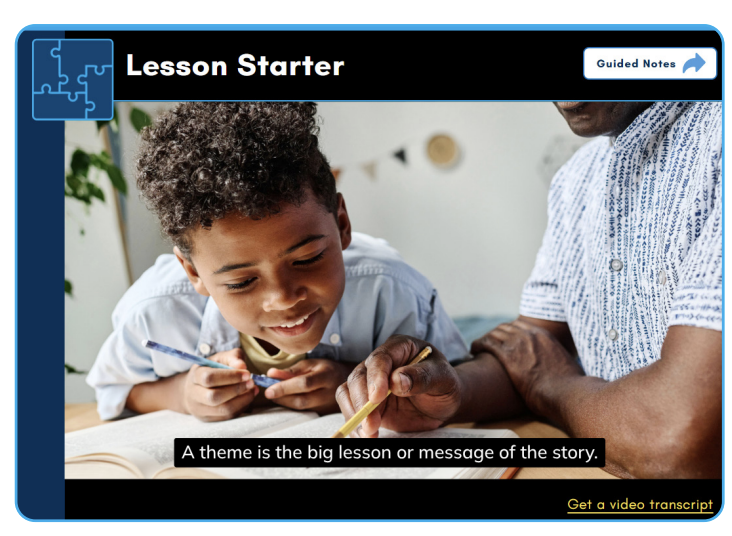
The same accessibility-first video player used across SchoolsPLP, tuned for the pacing and attention needs of Grades 3–5 students.
- Watch-before-continue gating ensures completion
- Subtitles on every video
- Searchable, synchronized transcript
- Auto-pause when students switch tabs
- Translate transcripts into ~100 languages
Video player + accommodations
Built-in supports for every video.
- Gated playbackStudents must watch the entire video to progress. Tab switching auto-pauses.
- Subtitles & transcriptsHelps students follow along, read key terms, and reinforce language skills.
- Translate to ~100 languagesThe accommodation toolbar can read the transcript aloud in nearly any language.
- Replay & reviewStudents can rewind and rewatch any segment to reinforce understanding.
- Guided notes alongsideEvery lesson pairs the video with Guided Notes so students stay organized.
- Designed for younger learnersShort, focused segments calibrated for the attention span of Grades 3–5.
Next